Install
Install csi-s3-archiver
One DaemonSet, no RBAC, no operator. From an empty cluster to a file in a bucket in four steps.
Before you start#
You need a Linux Kubernetes cluster you can install a DaemonSet into, and kubectl. That is the
whole list. There is no operator to install first, no CRDs, no cert-manager, and no API-server
access for the driver to negotiate.
| Requirement | Detail |
|---|---|
| Nodes | Linux, amd64 or arm64. Windows is a non-goal. |
| Permissions | Enough to create a namespace, a CSIDriver object and a DaemonSet. The driver itself needs no RBAC. |
| Kubelet root | The default /var/lib/kubelet. On a cluster that moved it, patch the host paths in the DaemonSet. |
| An S3 bucket | AWS, Ceph RGW, SeaweedFS: Anything speaking the S3 API. Credentials can also come from IRSA or an instance profile. |
1. Install the driver#
$ kubectl apply -k deploy/base
$ kubectl -n csi-s3-archiver rollout status daemonset/csi-s3-archiver
$ kubectl get csinode -o jsonpath='{.items[*].spec.drivers[*].name}'
s3archiver.csi.trion.de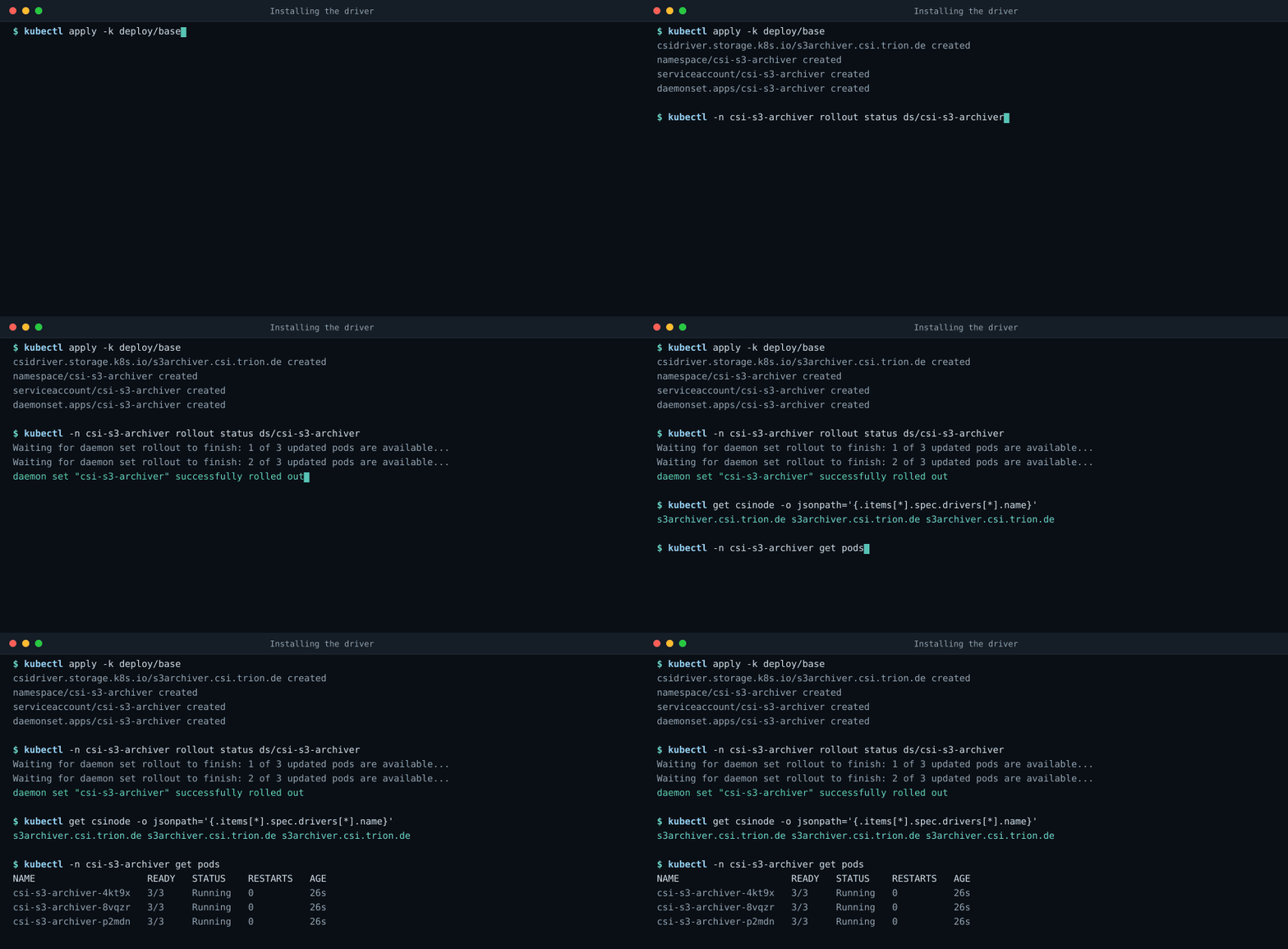
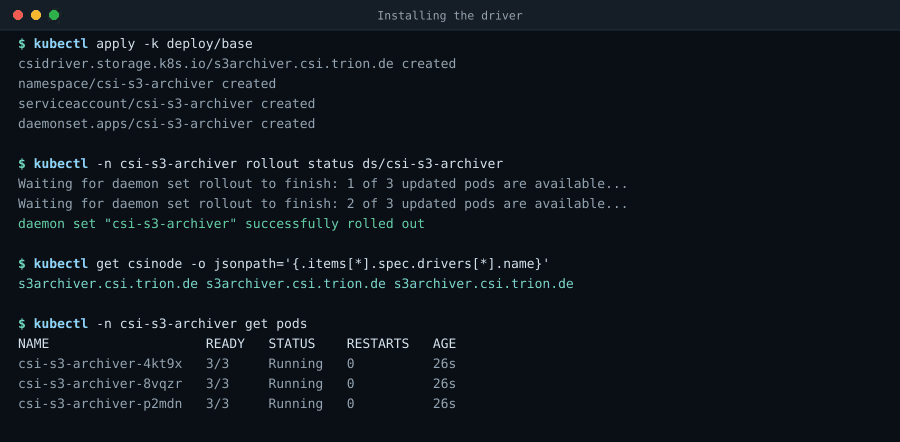
That applies one CSIDriver object, a namespace with an RBAC-less ServiceAccount, and a
DaemonSet running the driver alongside the upstream node-driver-registrar and livenessprobe
sidecars (diagram). There are no Roles or bindings anywhere: The
driver never talks to the API server, because kubelet pushes pod metadata and per-volume secrets
into the CSI calls.
The driver container runs as root but not privileged, with no added capabilities and a
read-only root filesystem. Root is needed only to create and remove directories under
/var/lib/kubelet/pods, which are root-owned. Because the volume is a plain directory rather
than a mount, there is no mount(2) in this driver, and therefore no privileged: true and no
bidirectional mount propagation.
1, with Helm instead#
The chart installs exactly what the kustomize base installs: The CSIDriver, the ServiceAccount
with no RBAC, the DaemonSet and its two sidecars. Nothing on the rest of this page changes if you
use it. Pick one of the two, not both, or the second install fights the first over the
cluster-scoped CSIDriver object.
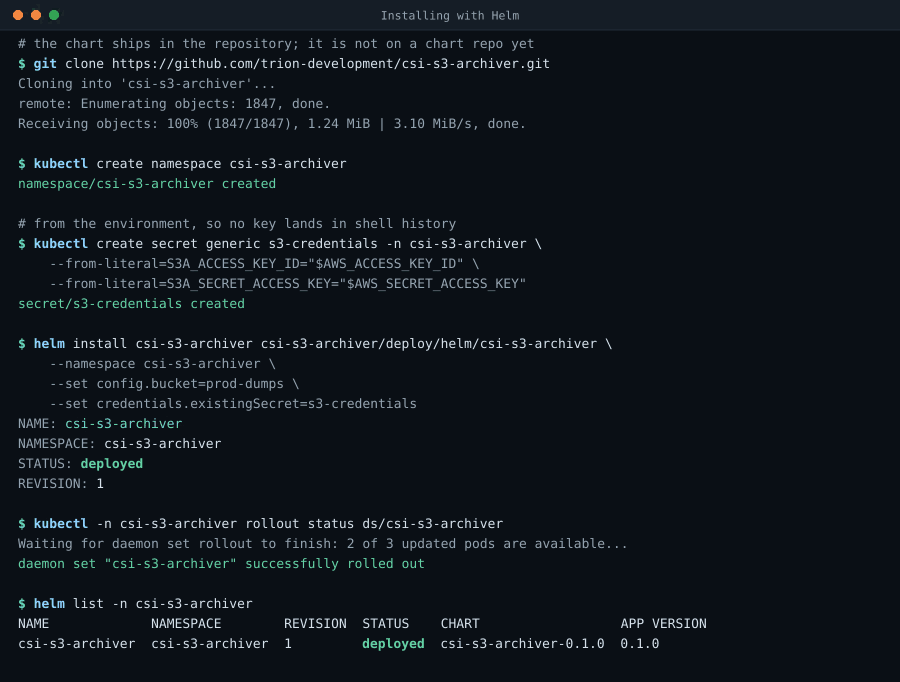
$ helm install csi-s3-archiver oci://ghcr.io/trion-development/csi-s3-archiver-chart \
    --version 1.0.0 \
    --namespace csi-s3-archiver --create-namespace \
    --set config.bucket=prod-dumps
Pulled: ghcr.io/trion-development/csi-s3-archiver-chart:1.0.0
NAME: csi-s3-archiver
NAMESPACE: csi-s3-archiver
STATUS: deployed
REVISION: 1
$ kubectl -n csi-s3-archiver rollout status daemonset/csi-s3-archiver
daemon set "csi-s3-archiver" successfully rolled out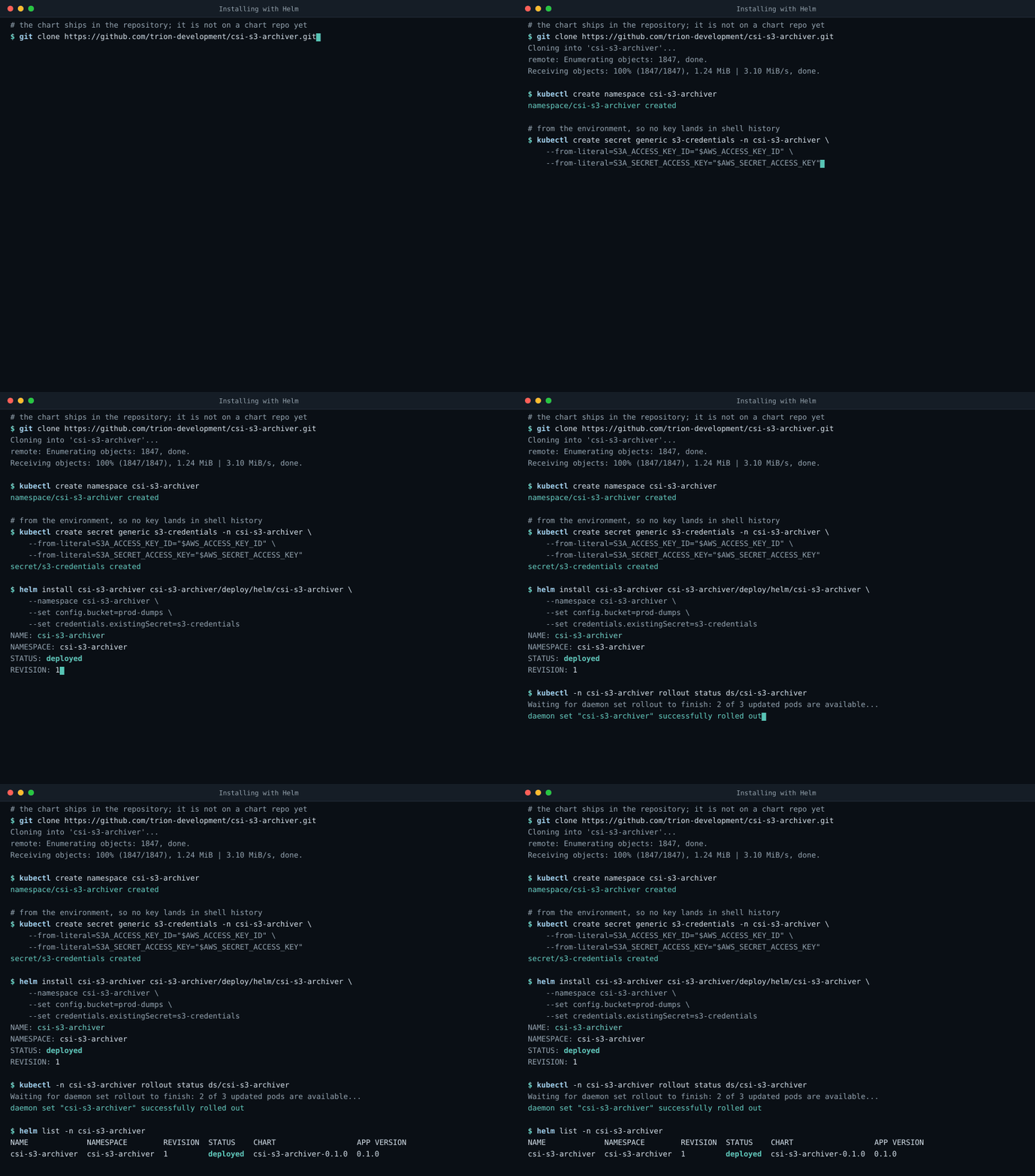
The chart is published as an OCI artifact at
oci://ghcr.io/trion-development/csi-s3-archiver-chart, beside the image and signed the same
way, so there is no helm repo add and no chart repository to be reachable. --version names
the chart version; its appVersion is 1.0.0, so the install pulls the released image
with no extra flags. A clone still works if you would rather read the chart first;
point the same command at deploy/helm/csi-s3-archiver instead.
The values worth knowing on a first install. helm show values oci://ghcr.io/trion-development/csi-s3-archiver-chart --version
1.0.0 prints all of them with the comments that explain the rest.
| Value | Default | What it does |
|---|---|---|
config.bucket | empty | The driver-global bucket. A volume can override it, so this is a default rather than a requirement, but an install with neither archives nothing. |
config.endpoint, config.region, config.pathStyle | AWS, us-east-1, false | Point it at Ceph, SeaweedFS or any other S3 API. Most non-AWS stores want pathStyle: true. |
config.prefix | empty | Key prefix, with the placeholders the reference lists. |
credentials.existingSecret | empty | A Secret you manage, with S3A_ACCESS_KEY_ID and friends as keys. Leave it empty on EKS and the AWS default chain takes over, which is how IRSA works with no configuration. |
credentials.create | false | Have the chart create that Secret from values instead. Convenient, and it puts the key into the release. The callout below is about that trade. |
image.repository, image.tag | ghcr.io/trion-development/csi-s3-archiver, chart appVersion (1.0.0) | Leave both alone to get the released image. Set them to mirror it into your own registry, which is what an air-gapped cluster needs. |
kubeletDir | /var/lib/kubelet | Only MicroK8s and k0s move it. k3s and RKE2 do not, despite the folklore. |
metrics.enabled, metrics.serviceMonitor.enabled | false | A /metrics endpoint on port 9809, and a ServiceMonitor for the Prometheus Operator. |
webui.enabled | false | The read-only statistics page. It has no authentication, so reach it with a port-forward or put an authenticating ingress in front. |
controller.enabled | false | The optional Controller, for volumes declared with a volumeClaimTemplate rather than an inline csi: block. |
resources, tolerations, priorityClassName | measured; tolerate everything; system-node-critical | The defaults come from measurement. The blanket toleration is deliberate: A node the driver cannot schedule onto silently stops archiving for every pod there. |
# From the environment, so no key lands in shell history or in the release secret.
$ kubectl create namespace csi-s3-archiver
$ kubectl -n csi-s3-archiver create secret generic s3-credentials \
    --from-literal=S3A_ACCESS_KEY_ID="$AWS_ACCESS_KEY_ID" \
    --from-literal=S3A_SECRET_ACCESS_KEY="$AWS_SECRET_ACCESS_KEY"
$ helm upgrade --install csi-s3-archiver \
    oci://ghcr.io/trion-development/csi-s3-archiver-chart --version 1.0.0 \
    --namespace csi-s3-archiver \
    --set config.bucket=prod-dumps \
    --set credentials.existingSecret=s3-credentials
Past two or three flags, a values file is easier to review and easier to put in Git:
# values.yaml, applied with: helm upgrade --install ... -f values.yaml
image:
  repository: ghcr.io/trion-development/csi-s3-archiver
  tag: ""              # defaults to the chart's appVersion

config:
  bucket: prod-dumps
  endpoint: ""         # empty on AWS: the host is derived from region
  region: eu-central-1
  pathStyle: false     # most non-AWS stores need true
  prefix: "{namespace}/{podName}/"
  logFormat: text      # or json, for a collector

credentials:
  existingSecret: s3-credentials   # or leave empty for IRSA / instance profiles

metrics:
  enabled: true
  port: 9809           # NOT 9808: the livenessprobe sidecar already listens there
  serviceMonitor:
    enabled: true      # needs the Prometheus Operator

webui:
  enabled: false       # read-only statistics page, no authentication

kubeletDir: /var/lib/kubelet   # MicroK8s and k0s move this
Upgrades are helm upgrade --install ... -f values.yaml against the same oci:// reference with
a newer --version, and the DaemonSet rolls one node at a time. One upgrade needs a manual step: CSIDriver.spec.volumeLifecycleModes is immutable and
controller.enabled=true adds Persistent to it, so turning the Controller on over an existing
install fails with field is immutable. Delete the object and let the upgrade recreate it. No
running volume is disturbed, because kubelet reads it at publish time only.
Removing it is helm uninstall, which takes the CSIDriver object with it because the chart
created it. A namespace made by --create-namespace is not part of the release and stays. The
warning in uninstalling applies here too: Delete the pods that use the driver
first.
helm uninstall csi-s3-archiver -n csi-s3-archiver
kubectl delete namespace csi-s3-archiver   # not part of the release
2. Give it credentials#
Four sources, resolved per volume, first match wins. Pick whichever fits your cluster; the reference has the full rules.
- Nothing at all, if the nodes already have them. With no per-volume secret and no
S3A_*keys, resolution falls through to the AWS default provider chain, which is what makes IRSA, EKS Pod Identity and instance profiles work untouched. - Cluster-global, for one bucket shared by everything. Create the secret and reference it
from the DaemonSet's environment in a kustomize overlay:
$ kubectl -n csi-s3-archiver create secret generic s3-credentials \ --from-literal=accessKeyId=AKIAEXAMPLE \ --from-literal=secretAccessKey=... - Per volume, when different namespaces use different buckets: A
nodePublishSecretRefin the pod spec, read by kubelet from the pod's own namespace.per-volume credentials apiVersion: v1 kind: Secret metadata: name: s3-creds namespace: team-a stringData: accessKeyId: AKIAEXAMPLE secretAccessKey: "…" --- # in the pod spec csi: driver: s3archiver.csi.trion.de volumeAttributes: bucket: prod-dumps # omit on AWS: the host is derived from region endpoint: https://s3.internal.example.com nodePublishSecretRef: name: s3-creds - No credentials on the node at all. Set
presignEndpointand a signer service hands out a fresh URL per upload.
3. Archive your first file#
A pod that writes four megabytes into a CSI volume and exits. Everything under /dumps ends up
in the bucket.
apiVersion: v1
kind: Pod
metadata:
  name: heapdump-example
spec:
  restartPolicy: Never
  containers:
    - name: app
      image: busybox:1.36
      command: ["sh", "-c", "dd if=/dev/urandom of=/dumps/java_pid1.hprof bs=1M count=4; sleep 60"]
      volumeMounts:
        - name: dumps
          mountPath: /dumps
  volumes:
    - name: dumps
      csi:
        driver: s3archiver.csi.trion.de
        volumeAttributes:
          bucket: prod-dumps
          # omit on AWS: the host is derived from region
          endpoint: https://s3.internal.example.com
prefix: "heapdumps/{namespace}/{podName}/"$ kubectl apply -f heapdump-example.yaml
$ aws s3 ls s3://prod-dumps/heapdumps/default/heapdump-example/
2026-07-27 09:16:04 4194304 java_pid1.hprof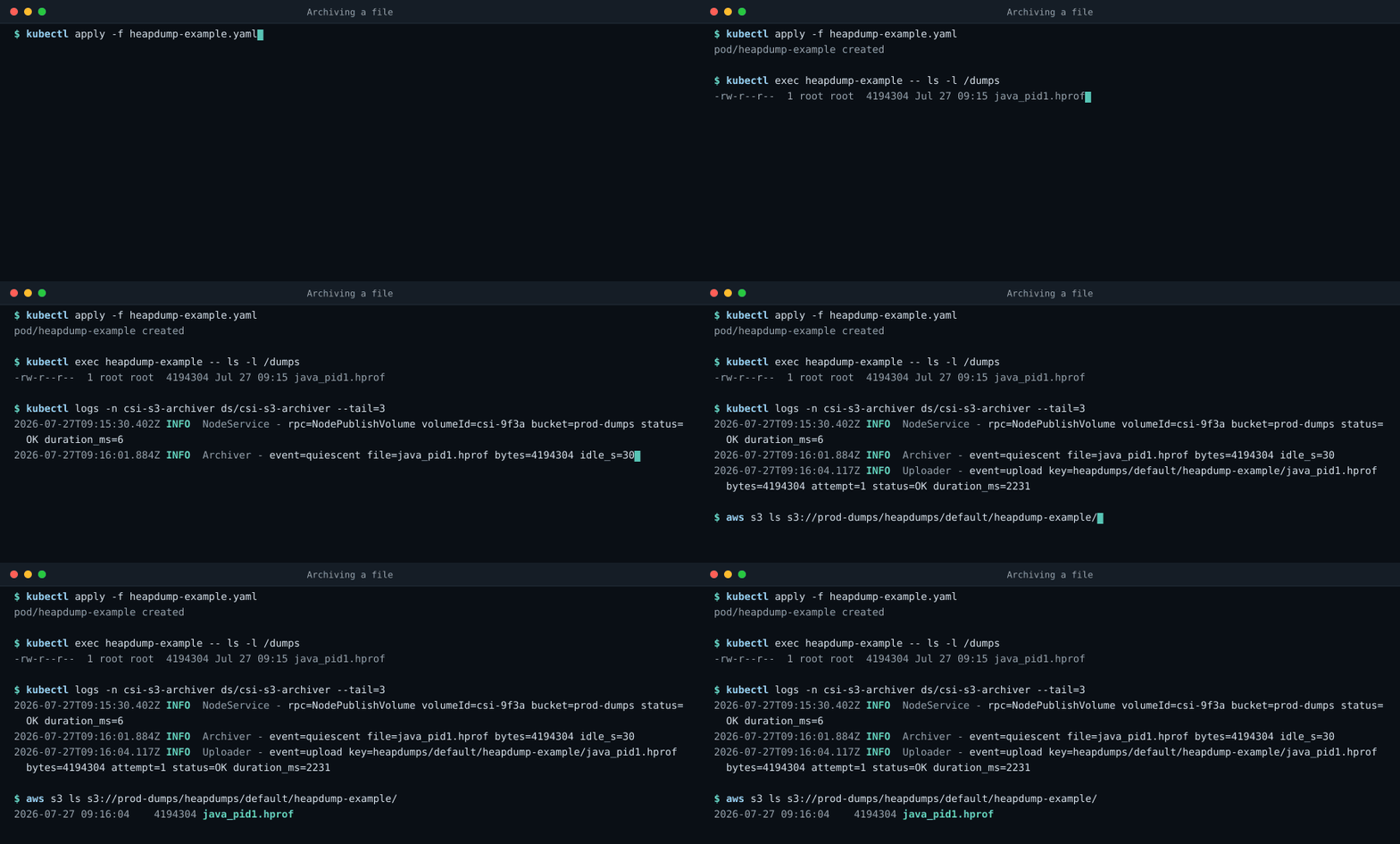
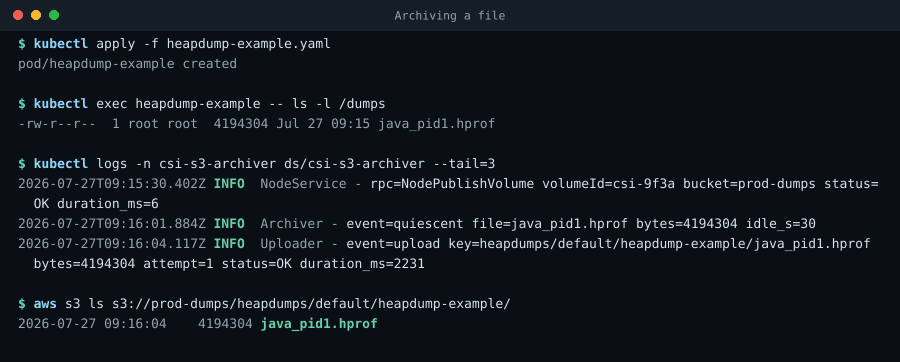
The driver's own log tells the same story, one structured line per event, on stderr, which is
what kubectl logs shows:
2026-07-27T09:15:30.402Z INFO  [csi-rpc-3] NodeService - rpc=NodePublishVolume volumeId=csi-9f3a bucket=prod-dumps status=OK duration_ms=6
2026-07-27T09:16:01.884Z INFO  [archiver-1] Archiver - event=quiescent file=java_pid1.hprof bytes=4194304
2026-07-27T09:16:04.117Z INFO  [upload-2] Uploader - event=upload key=heapdumps/default/heapdump-example/java_pid1.hprof bytes=4194304 attempt=1 status=OK duration_ms=2231
2026-07-27T09:17:12.006Z INFO [csi-rpc-5] NodeService - rpc=NodeUnpublishVolume volumeId=csi-9f3a event=sweep uploaded=0 status=OK duration_ms=414. Check it before you rely on it#
Three things worth confirming on a new install, in the order they tend to go wrong:
| Check | Command | Expected |
|---|---|---|
| Driver registered | kubectl get csinode -o jsonpath='{.items[*].spec.drivers[*].name}' | s3archiver.csi.trion.de, once per node |
| Pods healthy | kubectl -n csi-s3-archiver get pods | 3/3 Running on every node |
| Uploads working | check-upload in a pod using the driver image and the same environment | It exercises the real upload path and reports exactly what S3 answered |
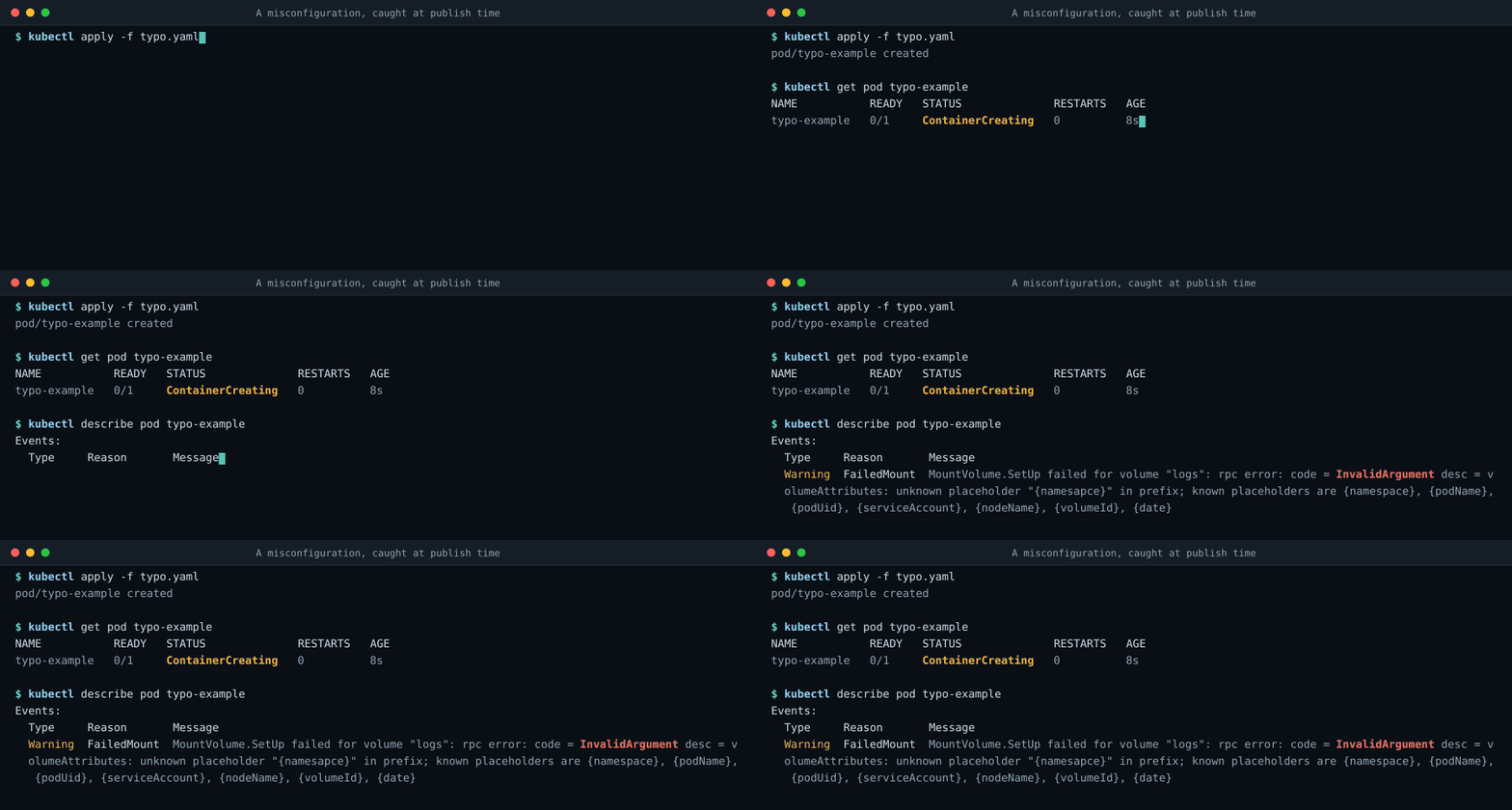
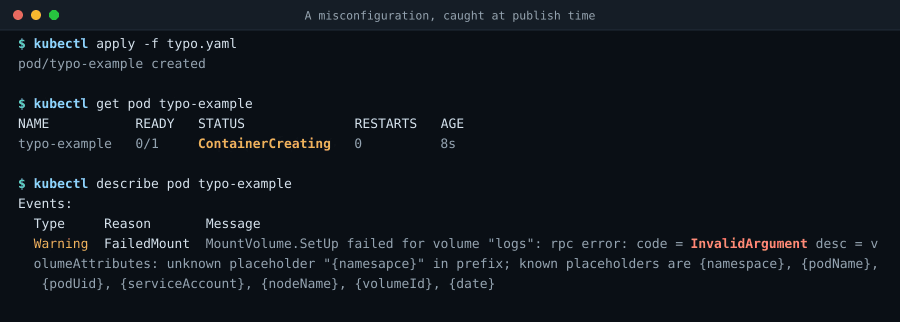
If a pod using the driver hangs in ContainerCreating, the cause is almost always a rejected
attribute, and the driver says so on the pod's own events:
More symptoms and what to do about them are in the troubleshooting table.
Distributions that need more than one apply#
The four steps above assume a cluster whose kubelet keeps its state in /var/lib/kubelet and
whose admission controller lets a DaemonSet mount it. Most clusters are that cluster. The ones
that are not fail in one of three ways. They moved the directory, they enforce a policy
that forbids the mount, or they are not a cluster with nodes you can reach at all.
| Distribution | What is different | What it costs you |
|---|---|---|
| k3s, RKE2, kind, minikube, Docker Desktop, Rancher Desktop | Nothing. Kubelet's root really is /var/lib/kubelet | Install exactly as above |
| vcluster | The driver belongs to the host cluster, and the pod identity it sees is the host's | Nothing to install, but the archive layout changes |
| Talos Linux | Pod Security Admission enforces baseline everywhere but kube-system, and baseline forbids hostPath | One namespace label |
| OpenShift | A SecurityContextConstraint has to allow hostPath volumes and uid 0 | One oc adm policy |
| MicroK8s | Kubelet's root directory is under the snap tree | One kubeletDir |
| k0s | Kubelet's root directory is /var/lib/k0s/kubelet | One kubeletDir, or one worker flag |
| GKE Autopilot and EKS Fargate | No writable hostPath, and on Fargate no DaemonSets at all | It cannot be installed |
Each has a page of its own, because the answer is a paragraph in some cases and a change of plan in others:
- vcluster. Install once on the host cluster. Volumes work from inside untouched, but every prefix placeholder resolves to the synced pod's host identity.
- Talos Linux. The kustomize base already labels its namespace; Helm does not. No kubelet extra mounts are needed.
- OpenShift. hostmount-anyuid rather than privileged. The driver mounts host directories and runs as root, but it is not a privileged container.
- MicroK8s. Everything works once the three host paths point at /var/snap/microk8s/common/var/lib/kubelet.
- k0s. Point the driver at the k0s path, or point k0s back at the standard one and never think about it again.
- GKE Autopilot and EKS Fargate. Both rule the driver out by design. What to do instead, and why a mixed cluster is still fine.
Building from source#
Requires JDK 25 or newer and Maven 3.9 or newer. The native build needs only Docker on the host.
./build-native.sh alone produces the host architecture; --arch amd64,arm64 cross-compiles
arm64 from an amd64 host too, at full host speed and with no QEMU involved. What cross-compiling
can't give you is verification, since the result can't run on the machine that built it, so
multi-arch images are still assembled from per-architecture runners that each build and smoke
their own binary.
$ mvn package                 # unit tests + target/csi-s3-archiver.jar
$ mvn verify -Pit             # + SeaweedFS integration tests (needs Docker)
$ ./build-native.sh           # -> target/csi-s3-archiver, statically linked
$ ./build-image.sh            # -> ghcr.io/trion-development/csi-s3-archiver:dev
The native build tries a fully static musl link first, which allows a FROM scratch image, and
falls back to a mostly-static glibc link automatically. It also re-records the GraalVM
reachability metadata by running the csi-sanity suite under the tracing agent; commit the result
when it changes.
Uninstalling#
$ kubectl delete -k deploy/baseOr helm uninstall csi-s3-archiver -n csi-s3-archiver for a chart install.
Delete the pods that use the driver first, or their final sweep has nowhere to run and they will
sit in Terminating until the CSI calls time out. Objects already in the bucket are untouched:
The driver never deletes what it uploaded.
Where next#
- Configuration reference: Every attribute, the prefix placeholders, and the semantics worth knowing before you rely on them.
- Append-only and spool modes: Logs that never go quiet, and bounded node disk.
- FAQ: What happens when S3 is down, and why pod deletion blocks.
- Comparison: The cases where a different tool is the right answer.